Seven ways to clock in. One timesheet.
Every workforce is different, so the device and the app give staff seven ways to punch. Mix them on the same site: face for the kitchen, fob for the night shift, geofence for the crew on the road, desktop for the office. Every punch lands in the same place.
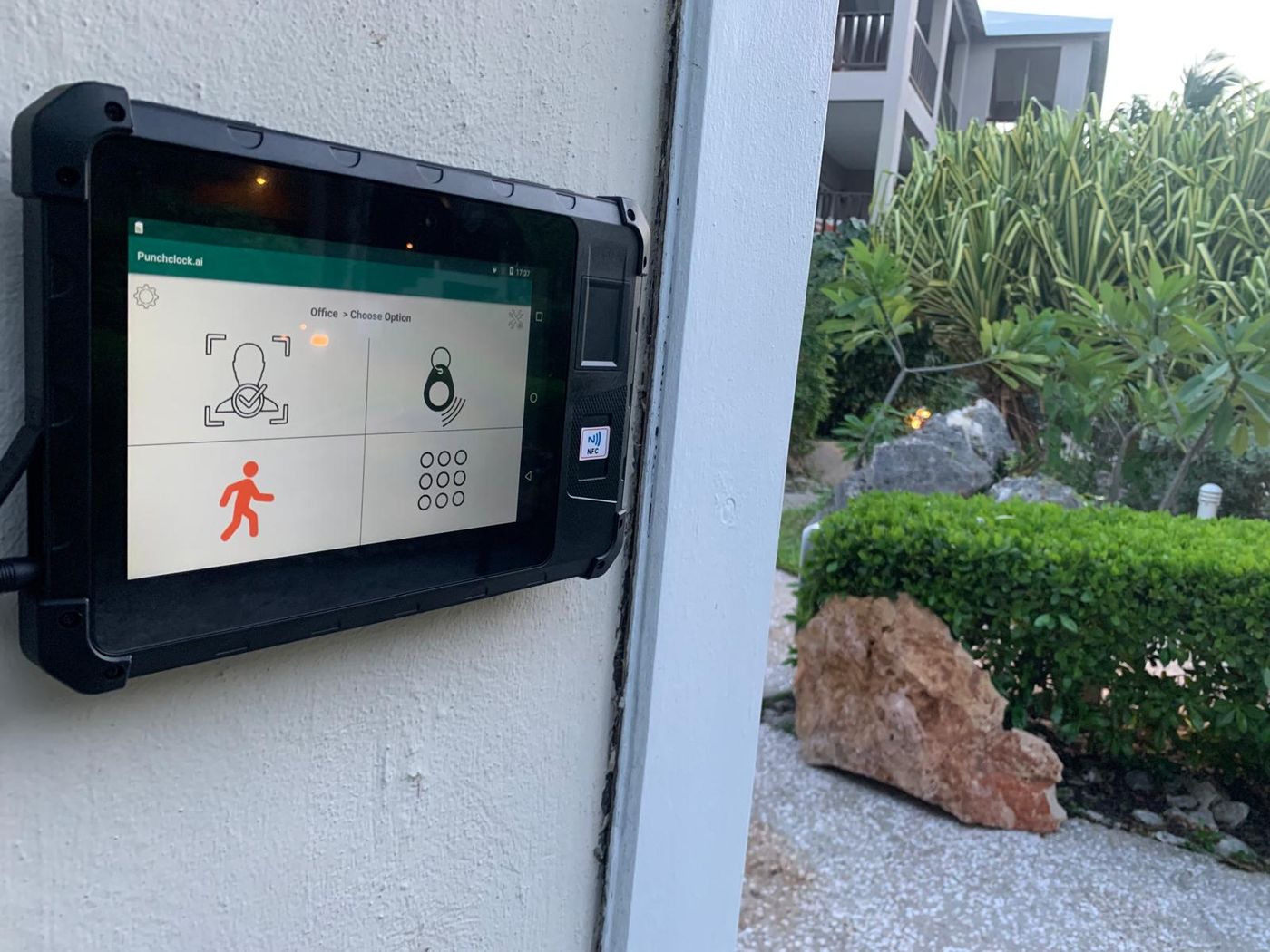
Facial recognition
Walk up to the clock and you are clocked in. Recognition is tuned for site conditions: low light, hard hats, glasses, masks and sunglasses.
- No cards to issue or lose
- A photo is stored with each punch for disputes
- Buddy punching is not possible
RFID card and keyfob
The reader is built into every device. Tap a keycard or a fob and go. Good for staff who already carry a card for the door.
- Built-in reader, nothing to add
- Cards and fobs issued from the dashboard
- Lost card? Deactivate it in one click
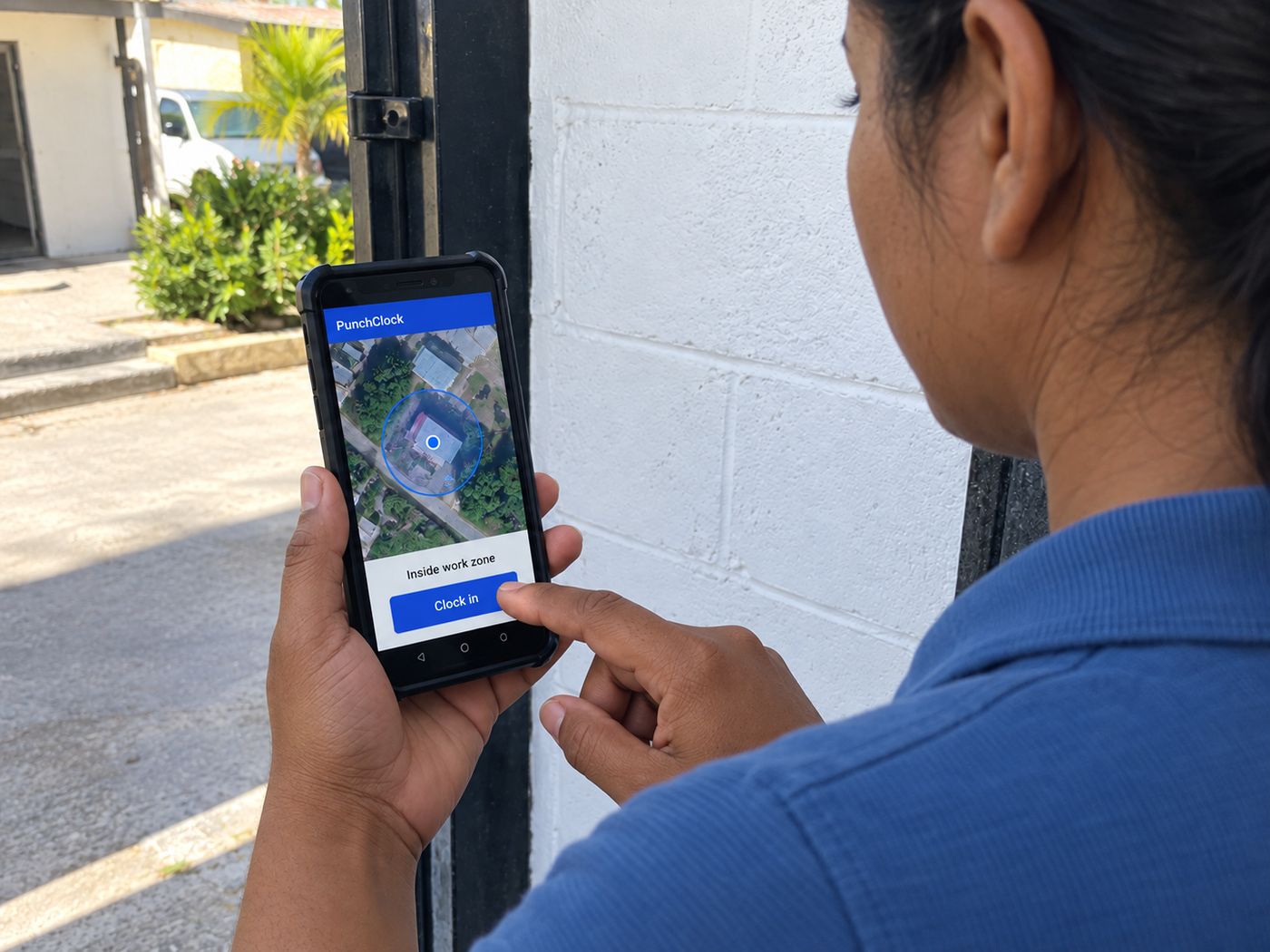
Geofencing
Draw a zone around each site. Staff punch from the app only when their phone is inside it. The best fit for crews that move between sites.
- Zone radius set per site
- Punch refused outside the zone, with a message
- Every punch saved against its site
Pinpad
A five-digit code on the device. The simplest fallback for a busy shift change or a worker without a card yet.
- Code per employee, changed from the dashboard
- Works on every device alongside the other methods
- Rugged sites where gloves stay on
Remote and mobile staff send one word to your PunchClock number: in to clock in, out to clock out. No app, no training. Only messages from the phone number on the worker’s record count.
- Works on any phone with WhatsApp
- Enabled per worker, assigned to a location
- Stricter option: they send a photo of the site’s QR code, and a reused photo is refused and reported
- Good for drivers, carers and contractors
QR code
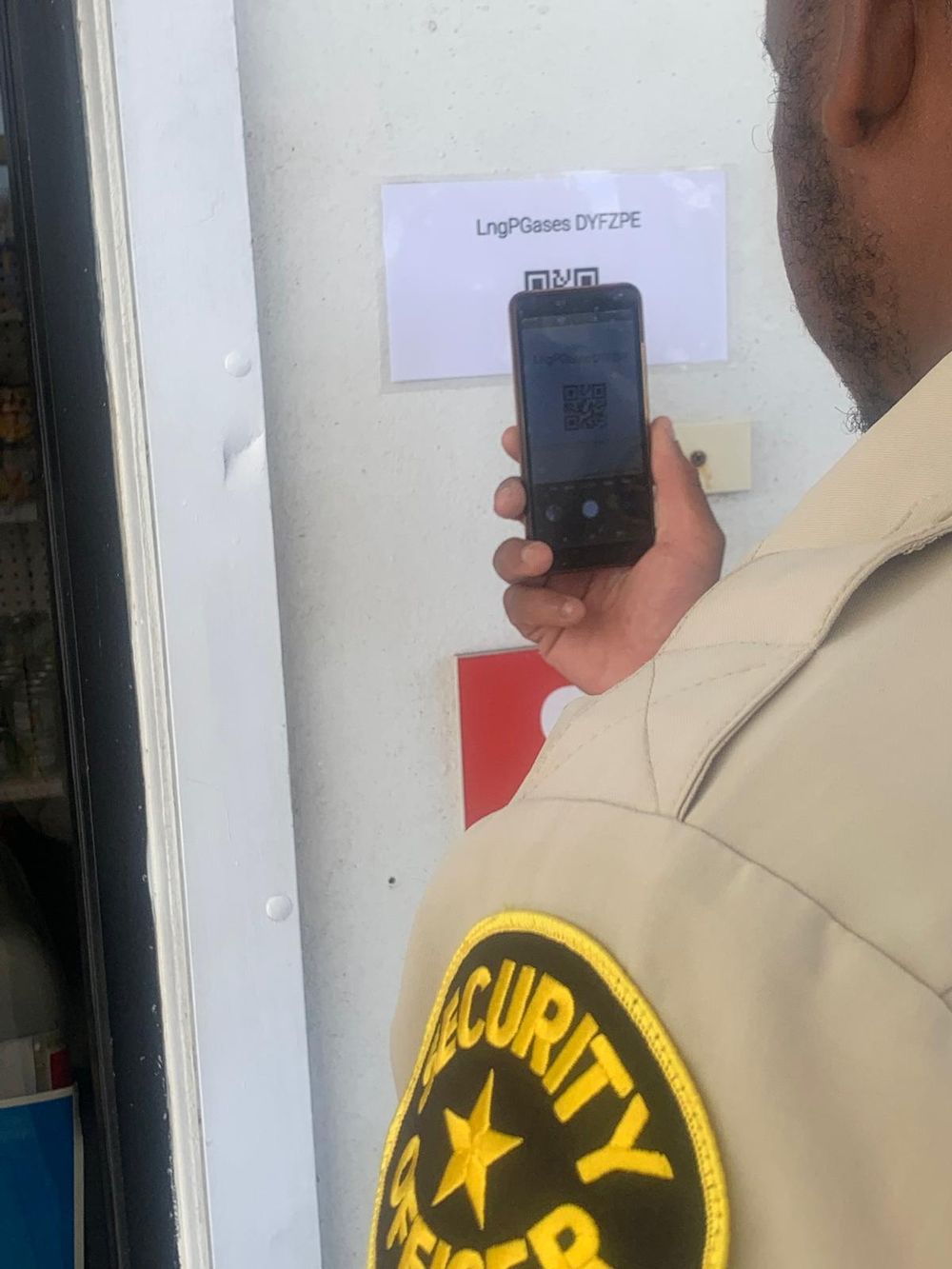
Print a code for any location and post it at the gate. Staff scan it in the PunchClock app on their phone. Good for guard posts, client sites and temporary works.
- A code per location, printed from the dashboard
- Scanned in the PunchClock app, already logged in
- No GPS needed: the code itself marks the place
Desktop
For office and front-desk staff who sit at a computer all day. They open punchclock.ai/desktop, confirm it’s them once, and punch in from the browser.
- Their PIN plus a one-time code by WhatsApp or email
- The computer is remembered for a year, so it’s one click a day
- Their recent hours and leave requests on the same page
- A desktop shortcut, and Sign out for shared computers
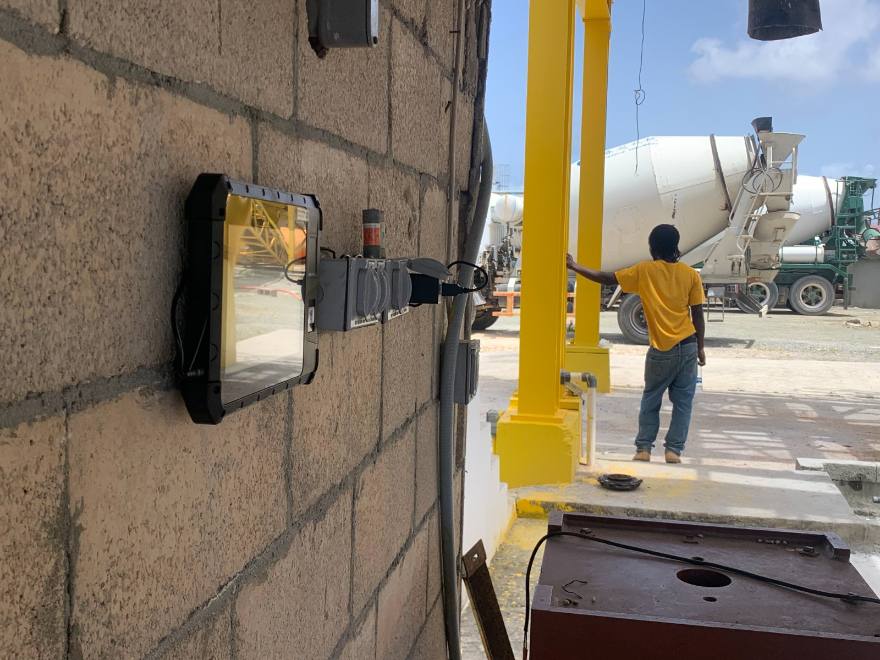
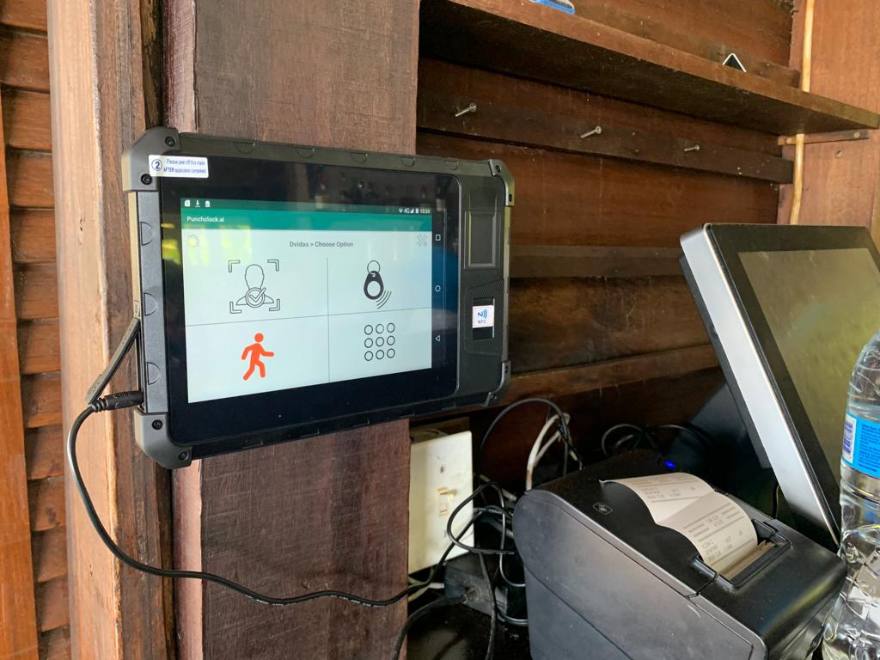
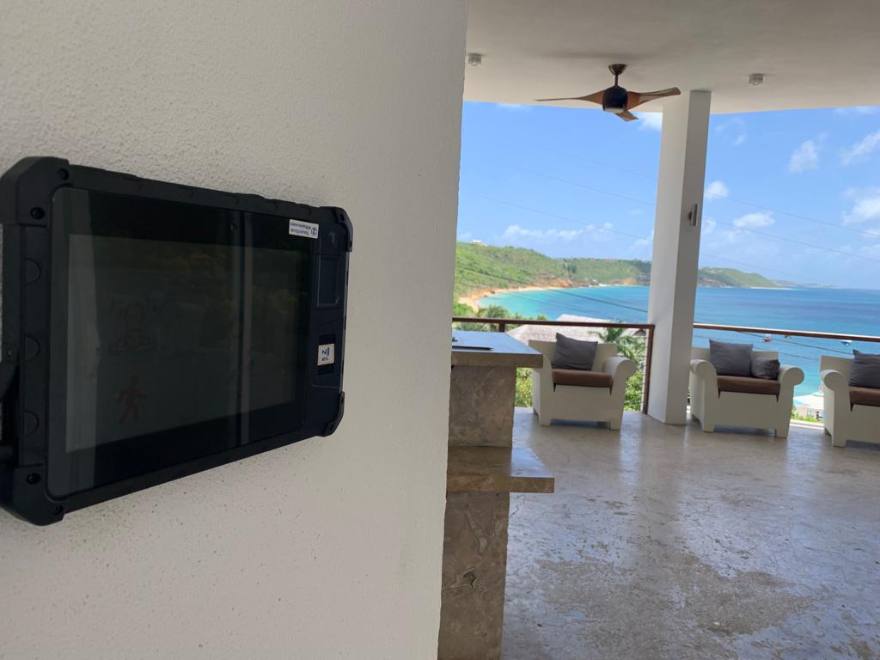
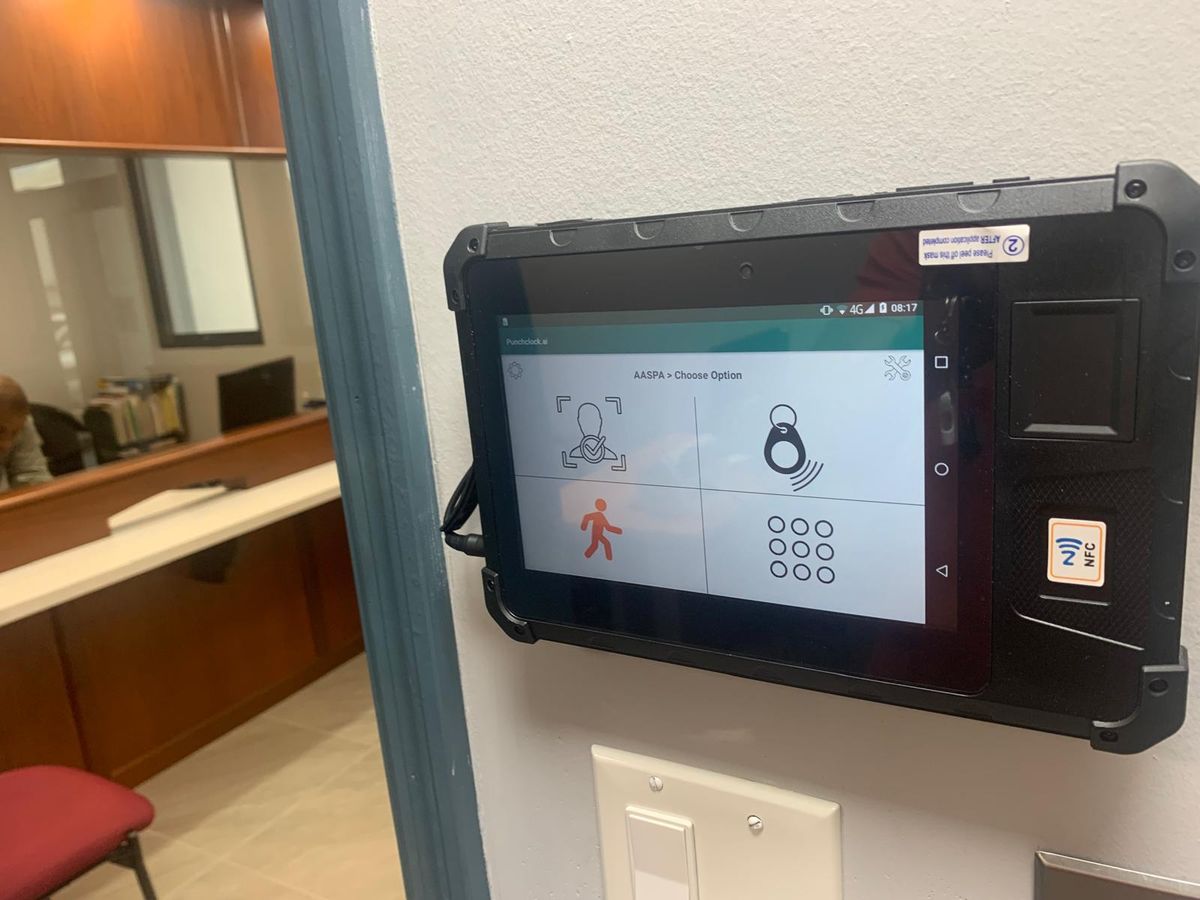
A punch clock built for the site.
Wall-mounted or handheld, with the camera and RFID reader built in. Runs on a data SIM or your WiFi, and keeps running in heat, dust and salt air. Managers can clock a worker in or out from the clock itself when they need to.